Install ReshapeX in Chrome
Works in Chrome, Edge, Brave and other Chromium browsers. Download the zip, load it through the extensions page, then paste your key. About three minutes.
Download ReshapeX
Press the button below to download the extension as a zip file. Keep it somewhere easy to find, like your Downloads folder.
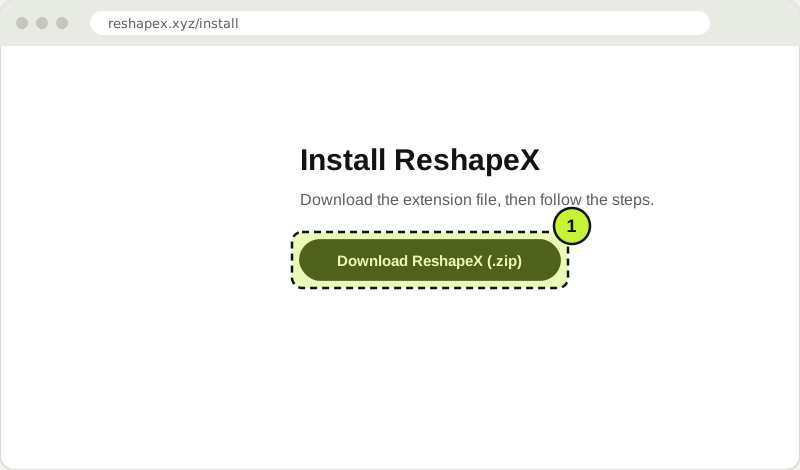
Download the ReshapeX zip from the button on this page. Illustration. Unzip it
Double-click the zip. Your computer makes a folder called reshapex. Keep this folder where it is. Chrome reads the extension from it, so moving or deleting it turns ReshapeX off.
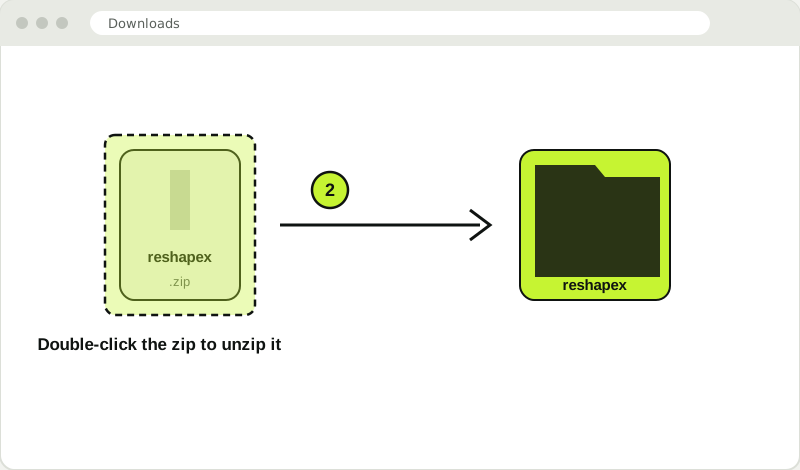
Unzip the file. You get a folder named reshapex. Illustration. Open the extensions page
In Chrome, type
chrome://extensionsinto the address bar and press Enter. In Microsoft Edge useedge://extensions. In Brave usebrave://extensions. Arc, Opera and Vivaldi are Chromium browsers too: open their extensions page from the menu.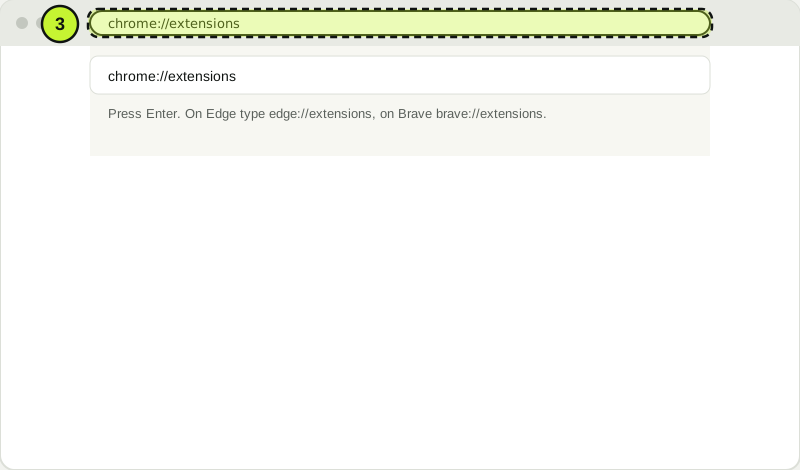
Open chrome://extensions in your browser. Illustration. Turn on Developer mode
Switch on Developer mode in the top right corner. Chrome shows three new buttons. This is needed for any extension installed from a folder.
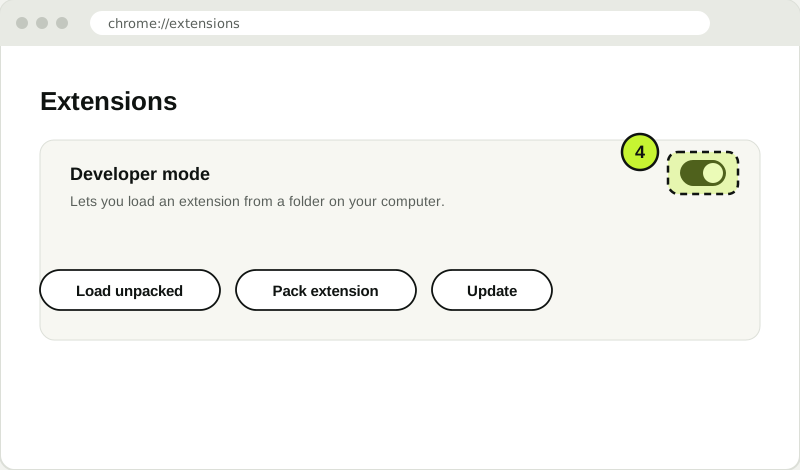
Turn on Developer mode, in the top right corner. Illustration. Load the folder
Click Load unpacked and choose the reshapex folder. Pick the folder itself, the one that contains
manifest.json. ReshapeX appears in the list.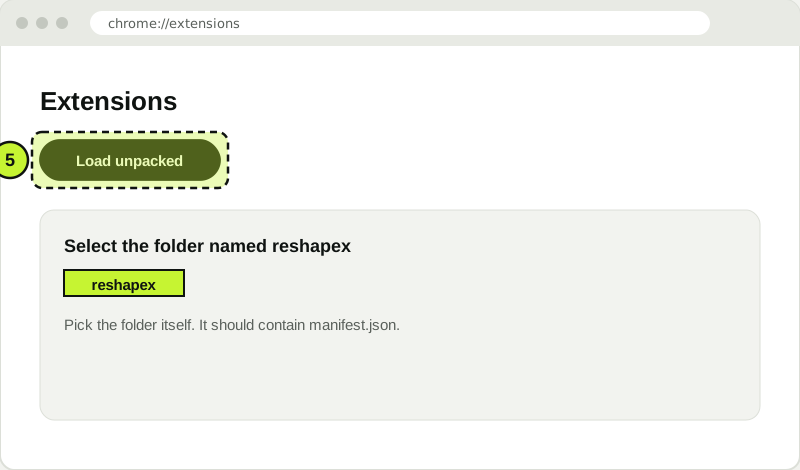
Click Load unpacked and choose the reshapex folder. Illustration. Pin it to the toolbar
Click the puzzle icon in the toolbar, then the pin next to ReshapeX. The icon stays visible, so one click opens the popup.
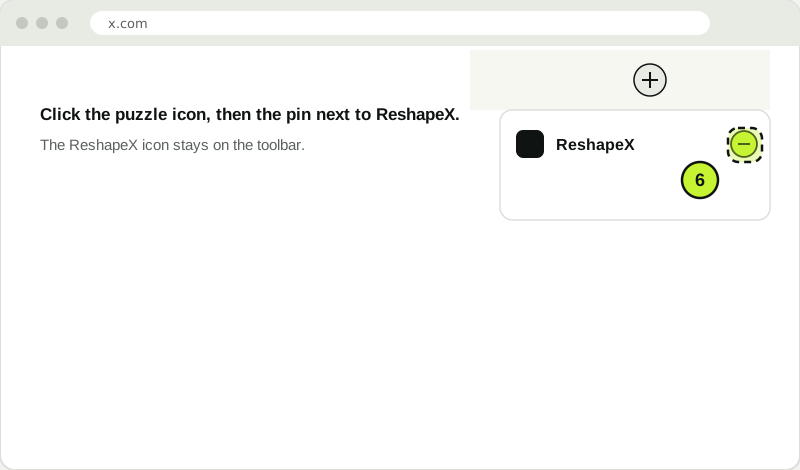
Pin ReshapeX to the toolbar so you can open it. Illustration. Activate your key
Open ReshapeX from the toolbar. Paste the key from your purchase email (it looks like
RSX-XXXX-XXXX-XXXX-XXXX) and press Activate. Everything unlocks after that, and it keeps working offline.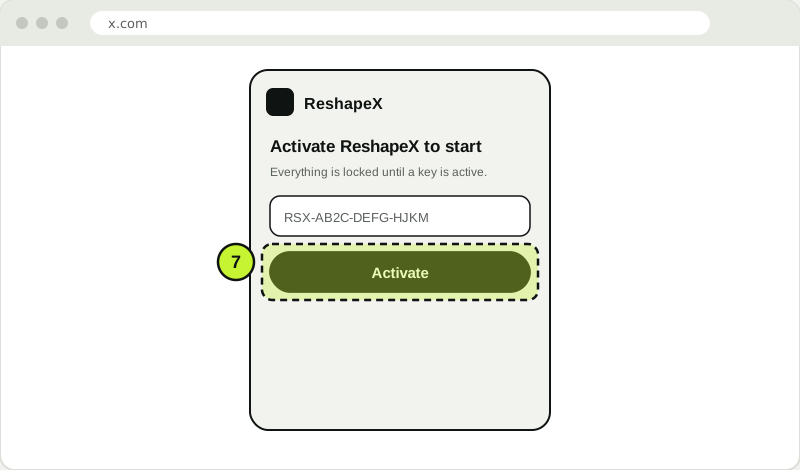
Paste your key and press Activate. Then open x.com. Illustration.
If something goes wrong
"Manifest file is missing or unreadable"
You selected the zip or the folder above it. Open the reshapex folder and select that folder itself, the one that contains manifest.json.
ReshapeX disappeared after I moved the folder
Chrome reads the extension from the folder where you loaded it. Put the reshapex folder back in its place, then press the reload button on the extensions page.
The popup only shows the activation screen
That is correct until you activate. Paste the key from your purchase email. Keys look like RSX-XXXX-XXXX-XXXX-XXXX, and spaces and capitals do not matter.
Chrome says the extension is not from the store
The warning appears for extensions loaded from a folder. The file came from reshapex.xyz. The warning goes away once ReshapeX is on the Chrome Web Store.
Questions people ask
Can I install ReshapeX on Chrome?
Yes. ReshapeX works in Google Chrome and other Chromium browsers such as Microsoft Edge, Brave and Arc. Chrome 116 or newer is needed.
Is ReshapeX on the Chrome Web Store?
Not yet. For now you install it from the zip file on this page, which takes about three minutes.
Will it update by itself?
Not yet. When a new version is released, download the zip again, replace the reshapex folder, and press the reload button on the extensions page.